Exercise 7 - Environmental data via OGC API - Environmental Data Retrieval
OGC API - Environmental Data Retrieval provides a Web API to access environmental data using well defined query patterns:
OGC API - Environmental Data Retrieval uses OGC API - Features as a building block, thus enabling streamlined integration for clients and users. EDR can be considered a convenience API which does not require in depth knowledge about the underlying data store/model.
pygeoapi support
pygeoapi supports the OGC API - Environmental Data Retrieval specification by leveraging both feature and coverage provider plugins.
Note
See the official documentation for more information on supported EDR backends
Publish environmental data in pygeoapi
Let's try publishing some ICOADS data via the EDR xarray plugin. The sample ICOADS data can be found in workshop/exercises/data/coads_sst.nc:
Update the pygeoapi configuration
Open the pygeoapi configuration file in a text editor. Add a new dataset section as follows:
Save the configuration and restart Docker Compose. Navigate to http://localhost:5000/collections to evaluate whether the new dataset has been published.
At first glance, the icoads-sst collection appears as a normal OGC API - Coverages collection. Look a bit closer at the collection description, and notice
that there is a parameter_names key that describes EDR parameter names for the collection queries.
Try visualizing the following EDR position query in a web browser: http://localhost:5000/collections/icoads-sst/position?coords=POINT(174.7645%20-36.8509)
Client access
QGIS
QGIS supports OGC API - EDR via the EDR plugin. You can install the plugin directly from the QGIS Plugin Hub, by going to Plugins->Manage and Install Plugins on the top level menu.
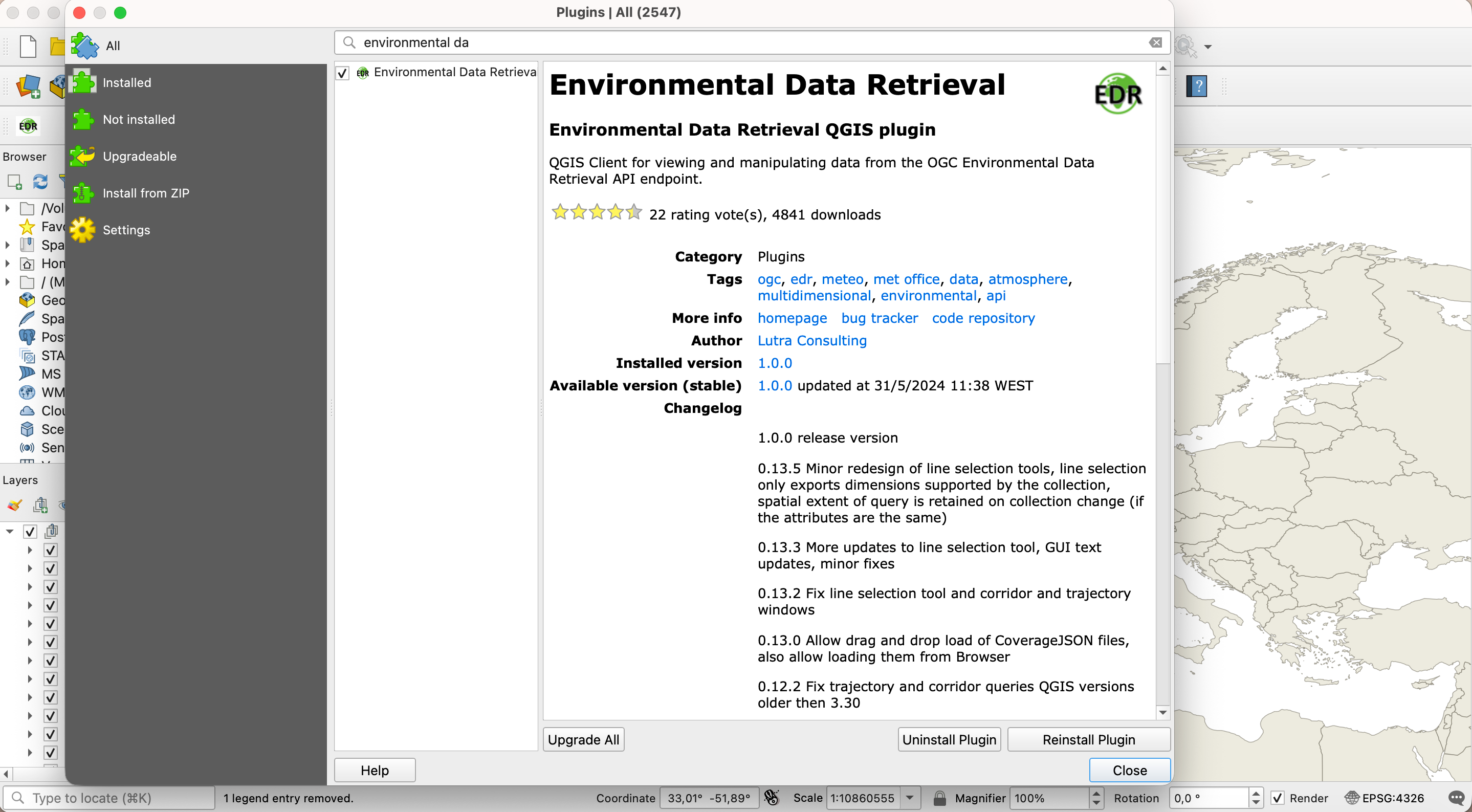
You can access the plugin through an entry on the plugin menu.
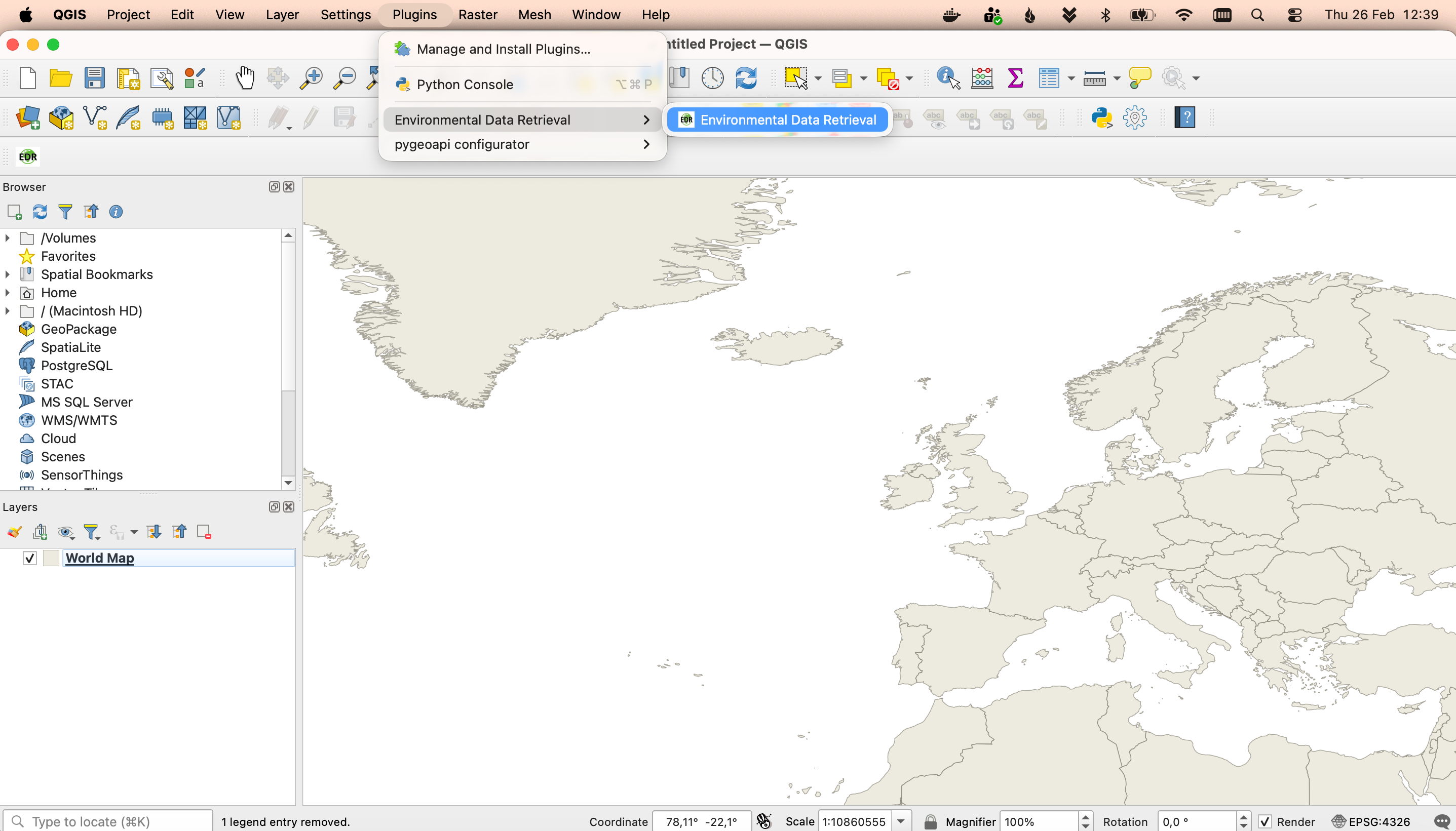
The first thing to setup is the server url. Use the url of the Landing Page here: http://localhost:5000/
You should also start by defining the folder where you would like the data fetched by the plugin to be downloaded
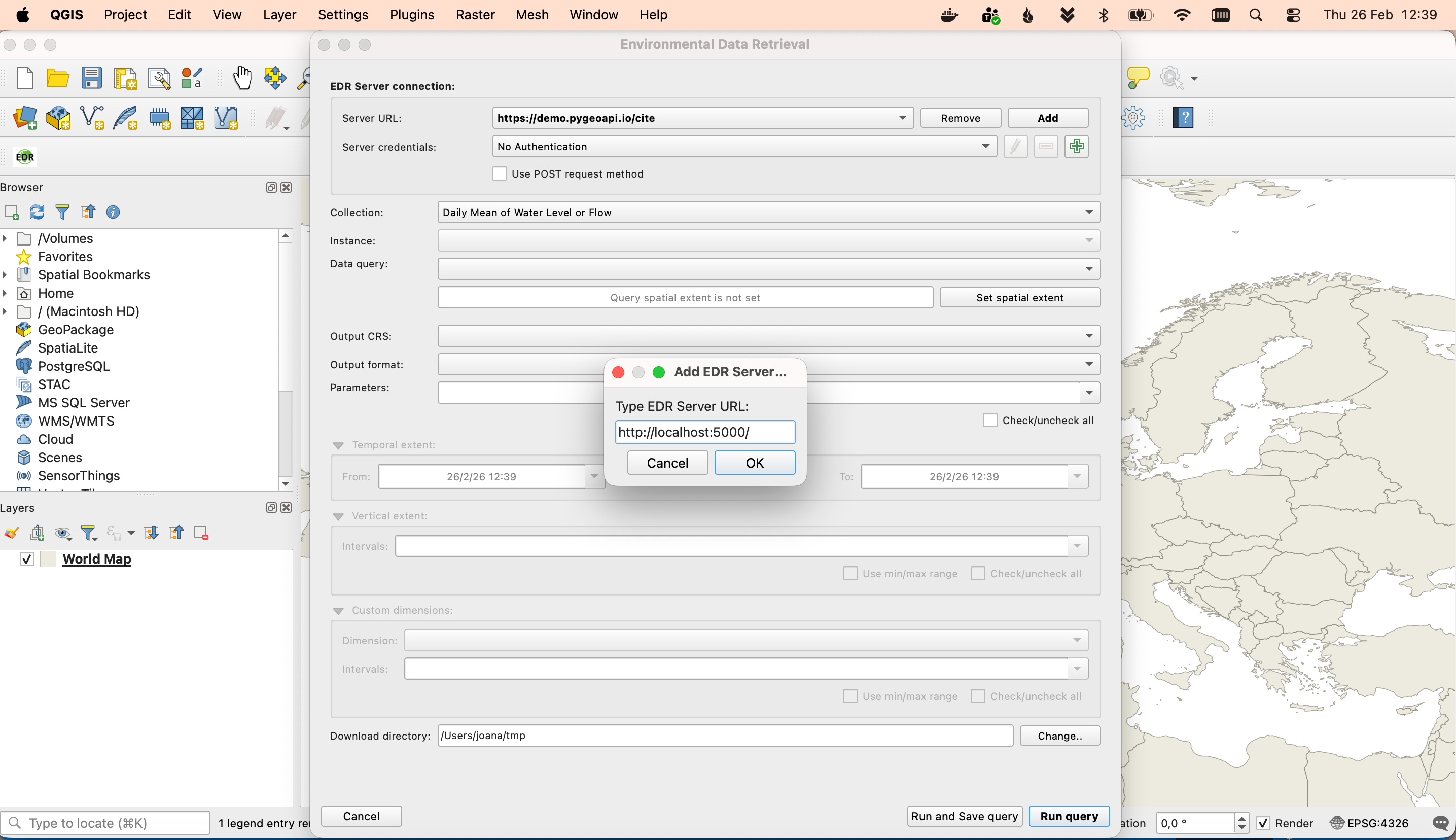
The combo box will be populated with all the collections available on that server. Select the EDR collection: International Comprehensive Ocean-Atmosphere Data Set (ICOADS).
You may safely ignore the warnings displayed here
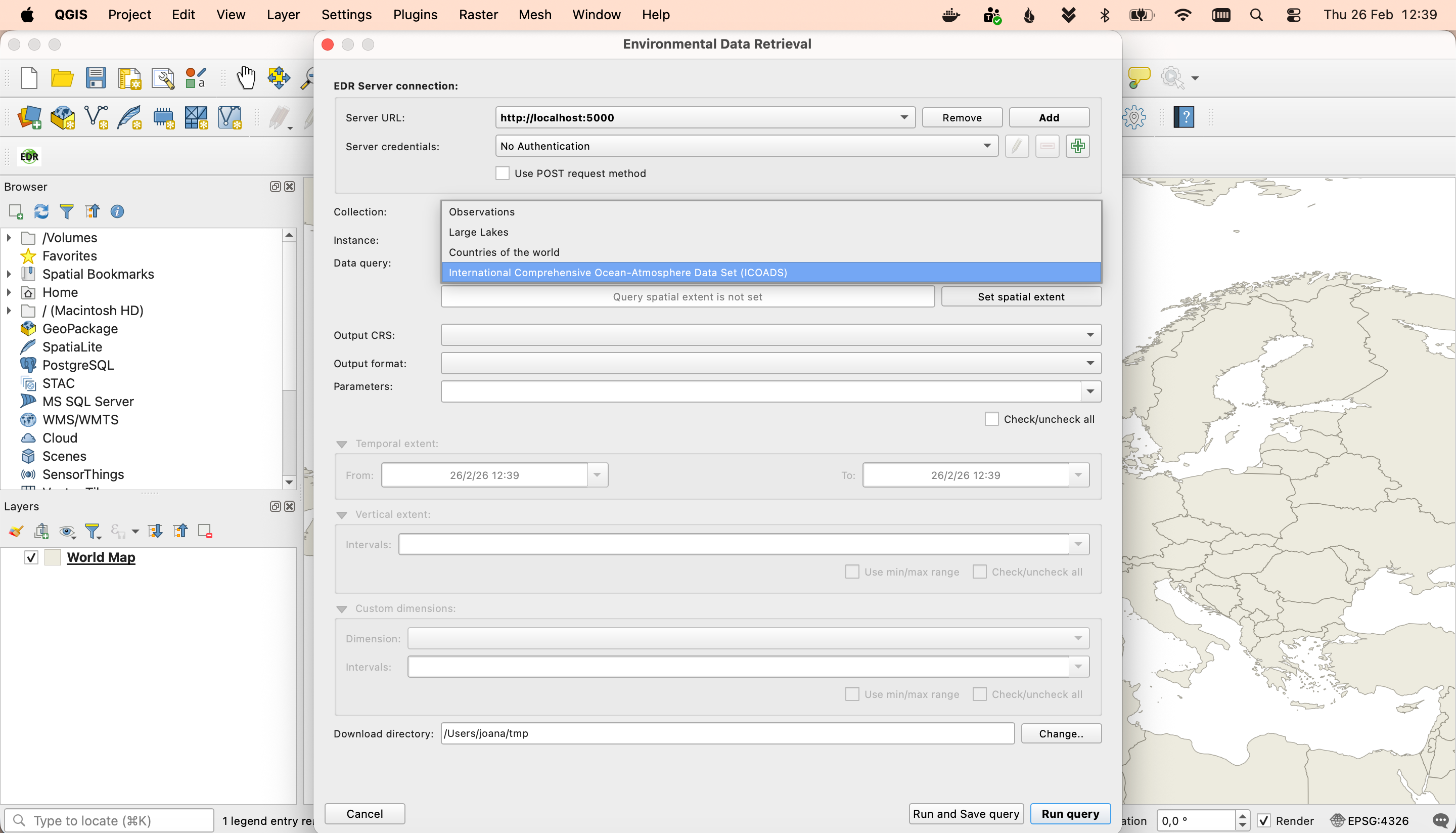
The data query combo box will be populated with the data query types available for this collection; in this case: position and cube. You may select the cube query and then click the button to set the spatial extent of that query. A new dialog will open, displaying multiple options to define the spatial extent. You may choose the Draw on canvas, to draw a rectangle in the map view extent.
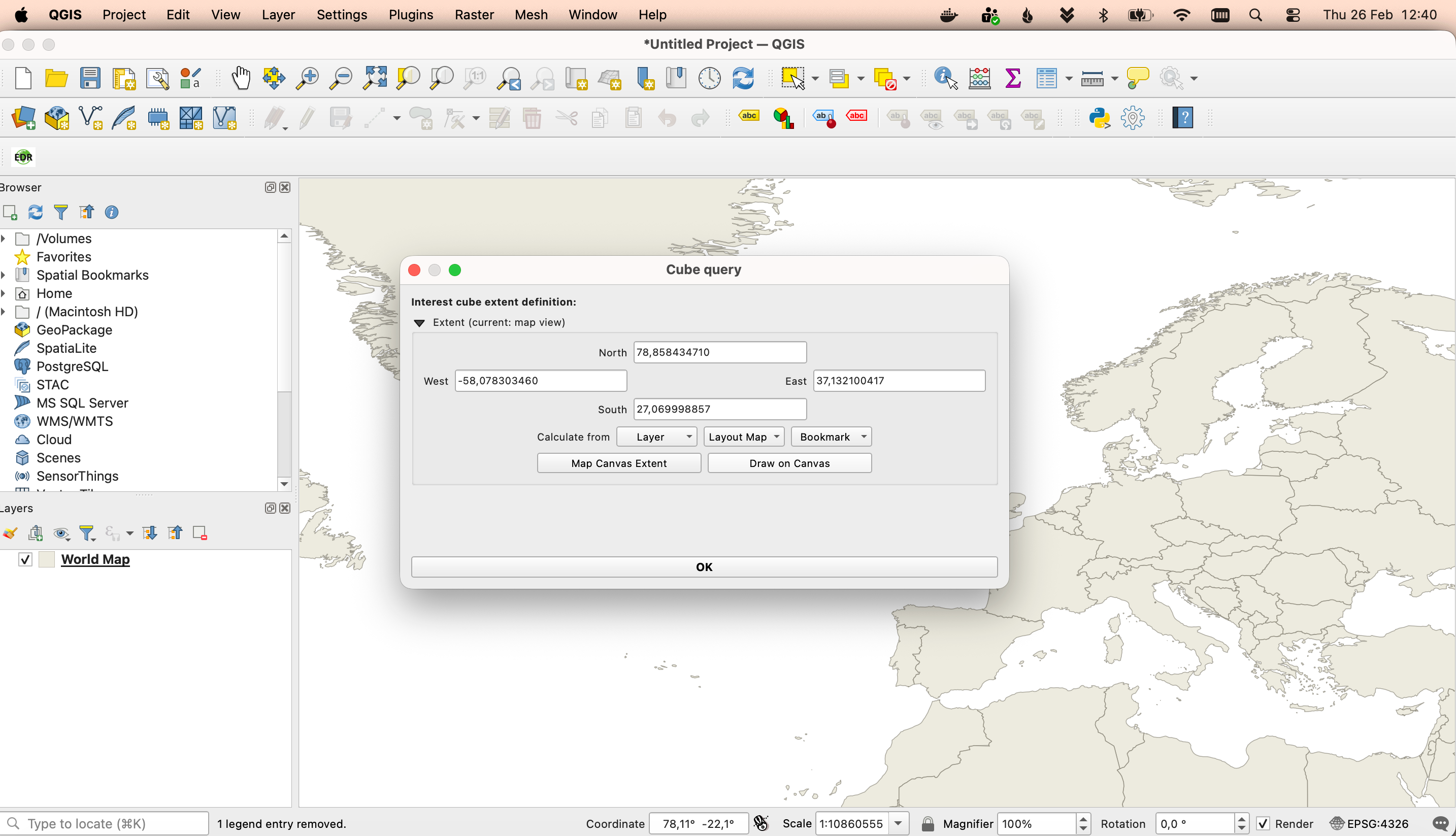
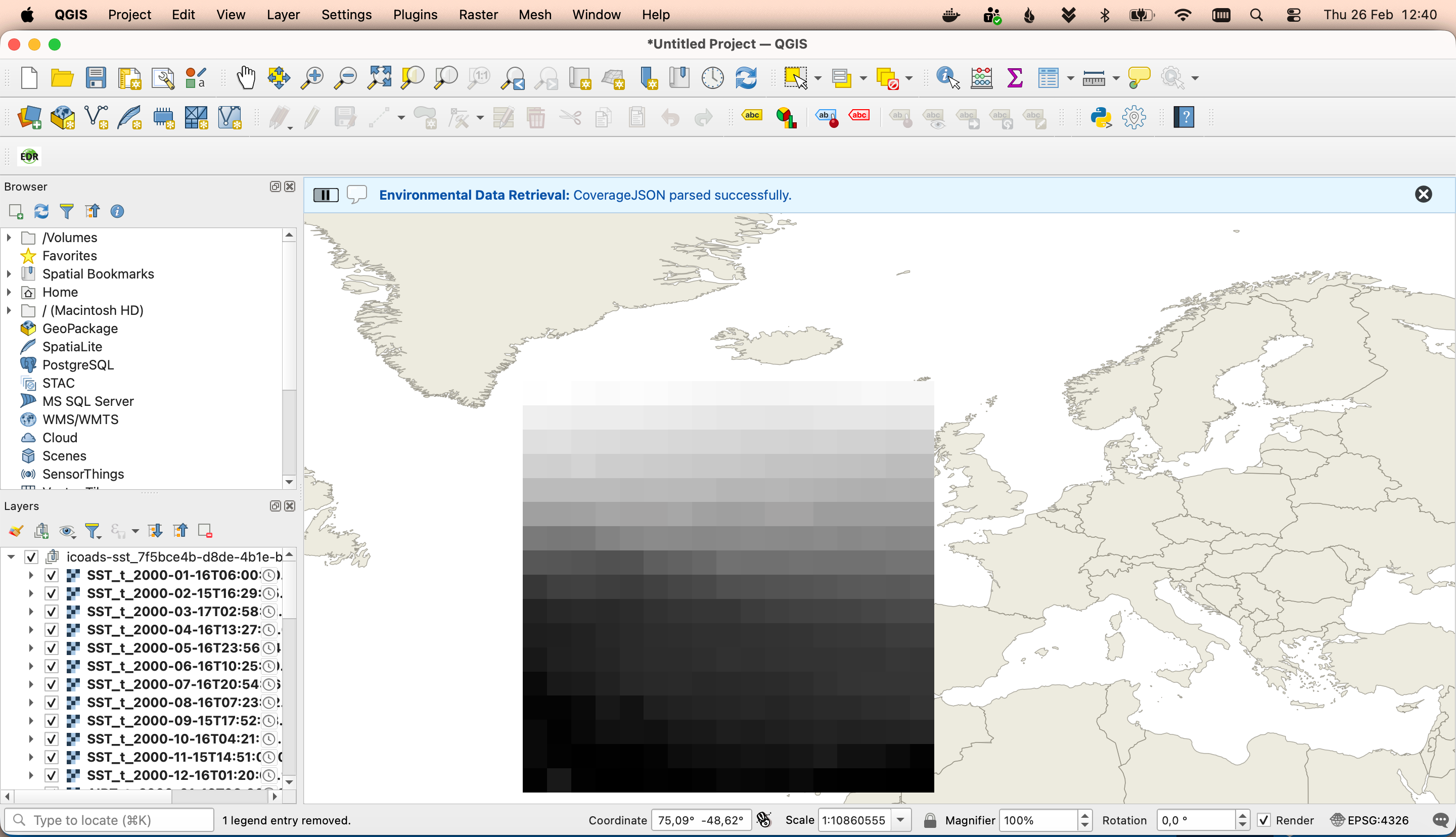
You can close this dialog and run the query. The plugin will fetch all the data available that fits into this query and display it as a layer group.
OWSLib - Advanced
OWSLib is a Python library to interact with OGC Web Services and supports a number of OGC APIs including OGC API - Environmental Data Retrieval.
Interact with OGC API - Environmental Data Retrieval via OWSLib
If you do not have Python installed, consider running this exercise in a Docker container. See the Setup Chapter.
Then start a Python console session with python3 (stop the session by typing exit()).
>>> from owslib.ogcapi.edr import  EnvironmentalDataRetrieval
>>> w = EnvironmentalDataRetrieval('https://demo.pygeoapi.io/master')
>>> w.url
'https://demo.pygeoapi.io/master'
>>> api = w.api()  # OpenAPI document
>>> collections = w.collections()
>>> len(collections['collections'])
13
>>> icoads_sst = w.collection('icoads-sst')
>>> icoads_sst['parameter_names'].keys()
dict_keys(['SST', 'AIRT', 'UWND', 'VWND'])
>>> data = w.query_data('icoads-sst', 'position', coords='POINT(174.7645 -36.8509)', parameter_names=['SST', 'AIRT'])
>>> data  # CoverageJSON data
>>> from owslib.ogcapi.edr import  EnvironmentalDataRetrieval
>>> w = EnvironmentalDataRetrieval('https://demo.pygeoapi.io/master')
>>> w.url
'https://demo.pygeoapi.io/master'
>>> api = w.api()  # OpenAPI document
>>> collections = w.collections()
>>> len(collections['collections'])
13
>>> icoads_sst = w.collection('icoads-sst')
>>> icoads_sst['parameter_names'].keys()
dict_keys(['SST', 'AIRT', 'UWND', 'VWND'])
>>> data = w.query_data('icoads-sst', 'position', coords='POINT(174.7645 -36.8509)', parameter_names=['SST', 'AIRT'])
>>> data  # CoverageJSON data
Note
See the official OWSLib documentation for more examples.
Summary
Congratulations! You are now able to publish environmental data to pygeoapi.